Openers · Phillipsburg
Smart Garage Controller Setup in Phillipsburg
You are twenty minutes down the highway when the thought lands: did the garage door close behind you?
In plain words
A smart controller is only as good as the wireless signal at the garage ceiling, often the farthest corner of the house from the router. The technician measures signal where the hub will sit, on the 2.4 GHz band most hubs use, before anything is mounted. A strong reading means a straightforward join to your network. A weak one, common in detached garages and behind insulated steel doors, is solved with a small access point or extender placed to bridge the gap, rather than an install that keeps dropping offline. Once connected, the hub takes its firmware update and holds its link through router restarts on its own.
How the visit goesOne remote lives in a car you sold last spring. The other needs three presses from the driveway and its battery cover is taped on. Your phone is already in your hand when you pull in, and it would make a better opener.
Smart Garage Controller Setup
How the visit goes
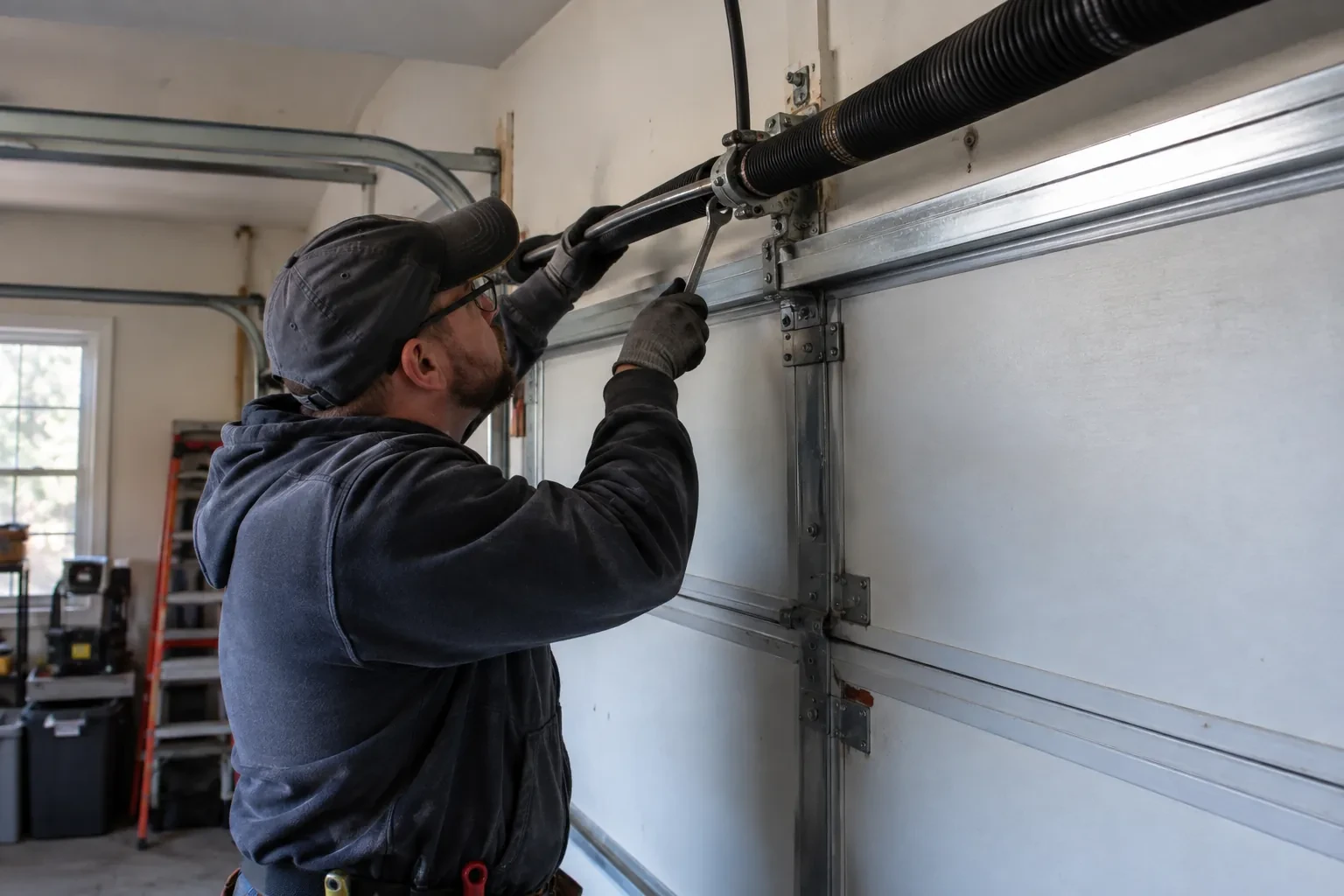
Signal strength at the ceiling
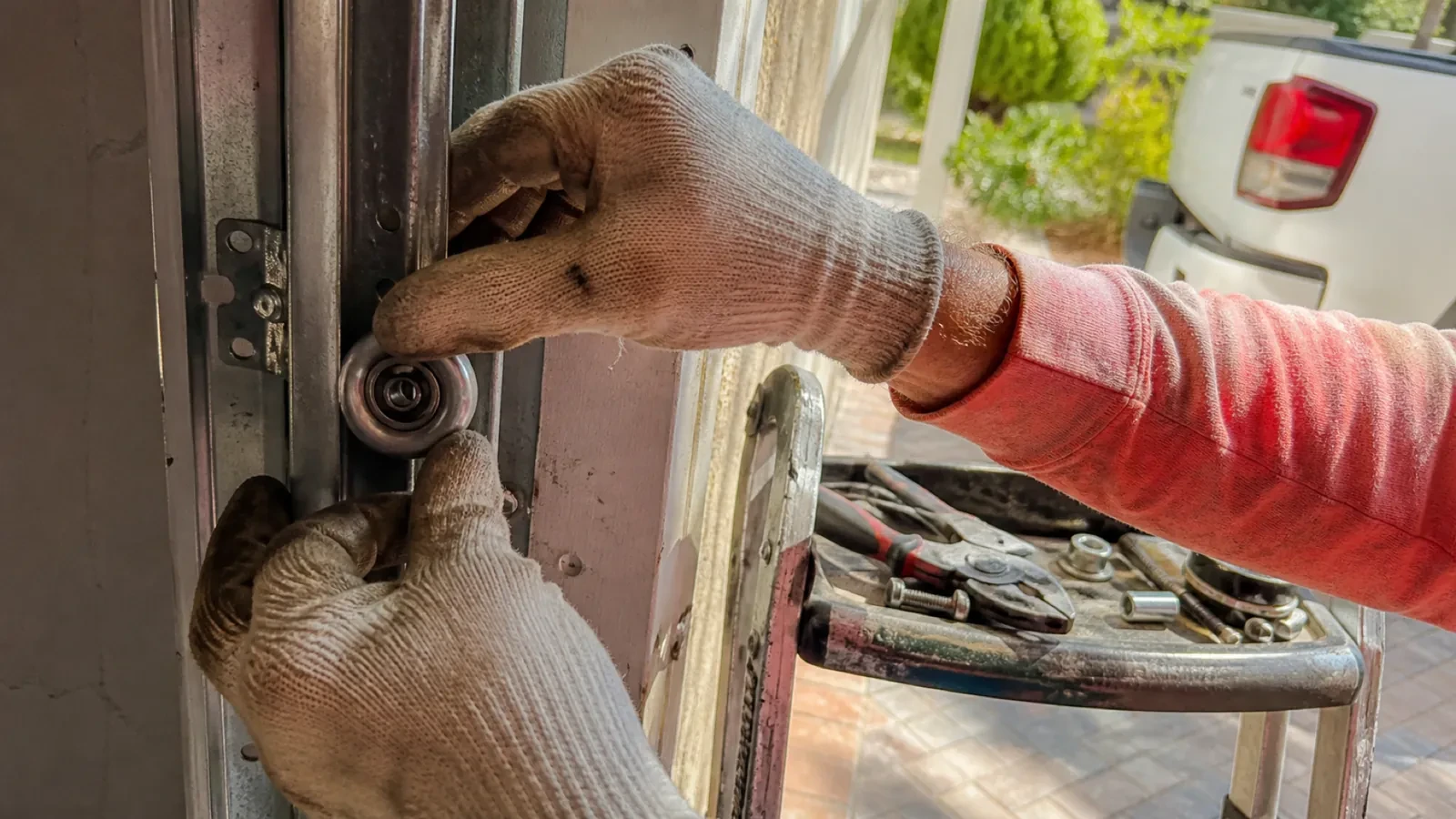
The hub will live beside the motor, so that is where wireless coverage is measured, not at the kitchen counter. The technician checks signal on the 2.4 GHz band, which most controllers use for its range, and notes how many walls, a floor and possibly an insulated steel door stand between the router and the garage. A detached garage across a driveway, a router tucked in a basement corner, or metal cladding on the garage wall all show up in this reading. Where the signal is marginal the plan includes a small access point or extender placed partway, because a hub that drops offline each week is not a working installation.
The account, in the owner's hands
Account creation happens on the owner's own phone. The technician opens the right screen and explains each choice, and the owner types the email, chooses a password and sets the recovery method and, where offered, two-step verification. The technician does not see, record or photograph any of it. The door is given a name that will make sense in a notification, the home address is entered if the app uses location for reminders, and the time zone is confirmed so schedules and history line up with the clock on the wall. If the app asks for permissions on the phone, only the ones the features actually need are granted.
The monthly tests still matter
Adding a controller changes nothing about the physical checks the door needs, and adds one. Each month, lay a 2x4 flat under the door centre and close it; it must reverse on contact. Break the photo-eye beam with a broom handle while closing; it must stop and rise. Then close the door from the app out of sight, and listen for the beeper and watch for the light before movement. If any of the three fails, stop using the opener, move the door by hand only if it must move, and have a technician correct it before the opener is used again. These tests take a couple of minutes and are why remote closing can be trusted.
Smart Garage Controller Setup
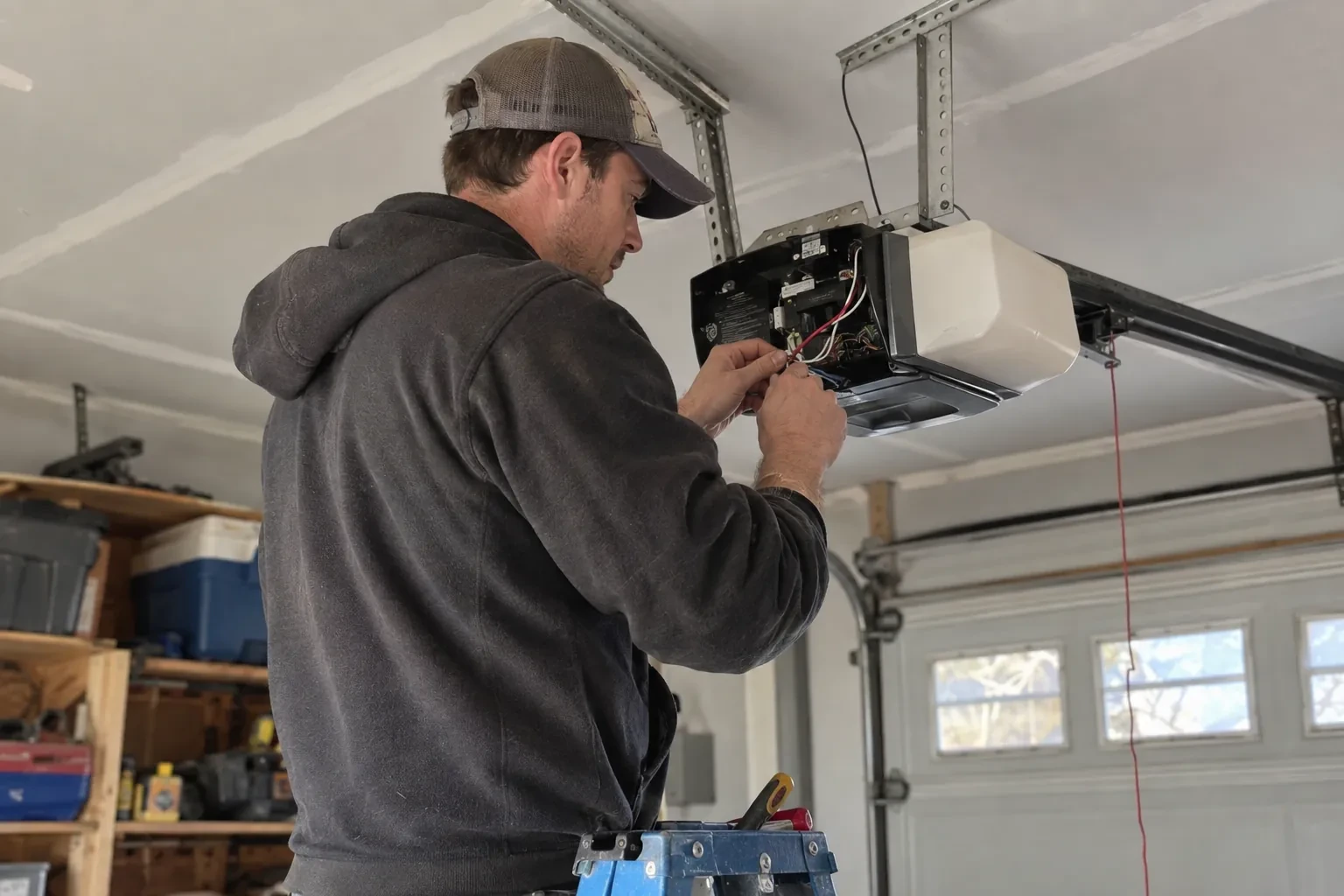
In the van
Low-voltage bell wire
Receptacle splitter with approval mark
Door-position tilt sensor
Mounting screws and brackets
Replacement photo-eye pair
Smart Garage Controller Setup
What affects the quote
Detached garage
A garage separate from the house often means both a signal problem and a longer walk for wiring and testing, and the quote reflects both.
Ceiling height and access
A standard garage puts the head unit and the top door panel in easy ladder reach. High ceilings, storage lofts or a car that cannot move add setup time.
Number of doors
A second door means a second sensor, a second round of pairing and testing and sometimes a second hub, and each door is quoted as its own line.
What to have ready
- What brand and model is your opener, and roughly how old is it?
- Does your wall console have a digital display or just a button?
- What colour is the learn button under the opener's light cover?
Smart Garage Controller Setup: questions
QuestionsWhat batteries does the sensor take, and how long do they last in a cold garage?
Most sensors take a coin cell or a pair of small cylindrical cells, specified by the maker. In a heated garage a battery commonly lasts a year or two; in an unheated one, expect less, and choose a lithium cell over alkaline because it holds its voltage in the cold. The app warns you as the battery runs down, and replacing it takes a moment and a fresh cell.
How long does the setup take?
A built-in radio that only needs pairing and an account is the shorter visit. A retrofit hub with wiring, a sensor and network work takes longer, and adding an access point for a detached garage or correcting photo eyes first adds to it. The testing at the end, every control plus the safety tests, is never rushed. You are told where things stand once the compatibility check is done.
My opener already has a wireless symbol on it. Do I still need a hub?
Probably not. An opener with a built-in radio needs only to be put into pairing mode, joined to your network and registered to your account; it reports door position from its own travel sensing, so no separate sensor is required either. The visit becomes configuration and testing rather than installation. The technician also checks that the unit has not been left tied to a previous owner and that its firmware is current.